Keep the Door Locked Controls
Set up a calm interaction routine before a knock or anomaly forces a quick decision.
Controls are part of the survival puzzle
In Keep the Door Locked, familiar Roblox movement is only the starting point. The difficult inputs are not combo commands or aiming tricks; they are interactions made under pressure. You need to move around the hotel room, look at its points of interest, inspect the camera, use the door when appropriate, and handle any item the game gives you. Because the game may receive updates and there is no verified official control chart for every platform, this guide avoids inventing a rigid key list. Instead, it explains how to identify and practice each interaction safely.
Use your normal Roblox movement controls to orient yourself in the room. On keyboard that is commonly WASD with the mouse to look; on touch or controller, use the standard Roblox movement and camera controls. If your device remaps buttons, trust the on-screen prompt over a third-party guide. The key lesson is to face the interactable carefully and read the prompt before pressing it. A missed input in a quiet room costs little; the same missed input during a door event can change the outcome.
Make an orientation pass
Before attempting the 10-day survival ending, spend a run mapping the room. Find the door, the camera view or monitor, the window, the bathroom/toilet area, and any places where a figure could be visible. Walk to each location and learn how close you must stand before an interaction prompt appears. Check whether an action requires a single press, a hold, or an item equipped in your hand.
Do this without forcing a strange event forward. The Three Strikes badge refers to checking the window at stage 3, while Flush of Fear refers to pushing a toilet anomaly to its second-to-last stage. These badge names tell us that the window and toilet matter, but not their complete input rules. On a learning run, observe the available prompt and back away if the situation seems to escalate faster than you can understand.
Camera first, door second
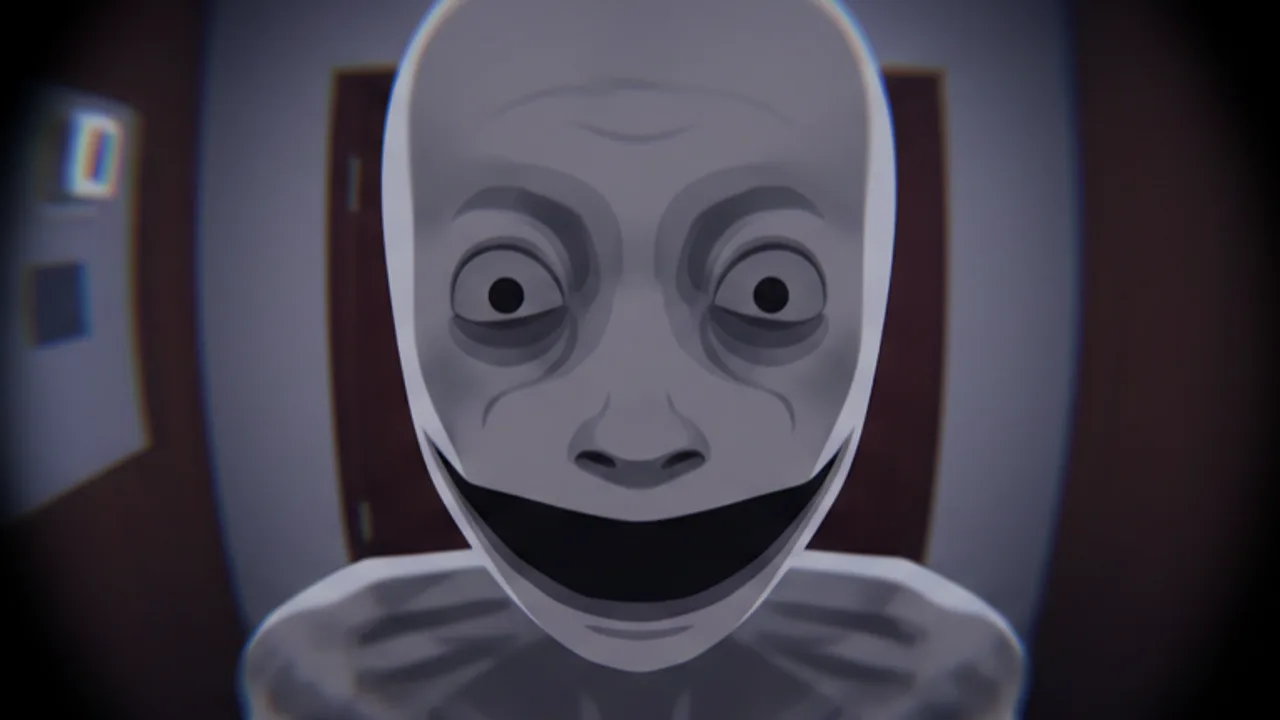
The camera is one of the most important controls because it creates a pause between a knock and a door decision. When someone arrives, move to or activate the camera before using the door. Look for the visitor’s appearance, position, or a mismatch between what you see and what you hear. Then decide whether opening, refusing, waiting, or another response is appropriate. Camera and Door Decisions gives the reasoning behind that order.
Avoid treating the camera as background flavor. It is your evidence tool. If a prompt lets you close the camera view, do so only after you have noticed the details you need. If you are unsure, a second check is usually safer than a rushed door interaction. The game is built around decisions, not reflexively accepting every request.
Door interactions and holds
The door may be more than an open-or-close switch. The Door Held badge confirms a door-breaker survival encounter, which strongly suggests that holding or defending the door is meaningful in at least one event. Practice finding the door interaction prompt in a normal moment so you know its location before a hostile sequence begins. If the prompt changes, read the new wording rather than assuming it uses the same action.
During a threatening event, keep your viewpoint stable and prioritize the current prompt. Do not turn away to investigate an unrelated anomaly or search your inventory. If a hold interaction is required, release only when the game visibly indicates that the danger has passed. For the encounter-specific approach, see Survive the Door Breaker.
Inspecting the room
The room itself can demand inputs. Check the window deliberately when it looks different, but remember that badge evidence suggests stages. A quick glance may be a check; repeatedly triggering or lingering may be a different choice. At the toilet, distinguish ordinary use from a developing anomaly. If your goal is survival, do not push a suspicious sequence simply because you know it has a badge.
The same patience helps with the room hider associated with Caught You Looking. If you notice a person or shape where one should not be, do not panic-click every surface. Look carefully, note where it appears, and test one response on a run dedicated to discovery. Rules Explained and Dream Room provide useful context for interpreting unusual room states.
Items and special interactions
Some badge descriptions reveal specific item interactions. Rat Buster says to hit a pizza rat with a baseball bat. That is enough to confirm the broad task, but not enough to claim a universal spawn location or hotkey. When you obtain a bat, verify that it is equipped and approach the rat carefully before swinging or using its prompt. Do not assume that every ordinary object is an item or that every visitor can be affected by it.
The Kindness badge also suggests a choice whose consequence appears later: helping someone last time. Treat this as a narrative interaction, not as a combat control. Read text, watch the response, and keep your action focused on the person and event involved.
A repeatable input checklist
Before each serious run, check movement, camera access, door access, and the location of interactables. When an event happens, stop moving, place your view where the prompt is readable, inspect first, then act once. After the action, look for confirmation before leaving the area. This routine prevents accidental double presses and makes observations easier to remember.
Controls will not solve every mystery, but reliable inputs free your attention for the actual puzzle: deciding whom to trust. Pair this page with How to Play, Sanity Guide, and the ending guides once your room routine feels automatic.
Frequently Asked Questions
Quick answers about the hotel room, visitors, and endings.
What keys do I use in Keep the Door Locked?
Use your platform's normal Roblox movement and camera controls, then follow the game's on-screen interaction prompts. Exact prompts may vary by device or update.
Why should I practice the camera control?
The camera lets you inspect a visitor before using the door, making it central to safe decisions.
How do I use the baseball bat?
Badge evidence confirms it can be used on the pizza rat for Rat Buster. Equip or follow the item prompt when you find it; an exact universal hotkey is not confirmed.